

Last time I wrote, it was about sharing files with colleagues and the all new Triptico Library.
I have been working hard on the Triptico website since then, so here’s a round-up of what’s changed and where you can find it.
Four New Bonus Activities
Bonus Activities are simple, self-contained classroom tools. There’s nothing to prepare. You simply open one and use it.
1. Scoreboard
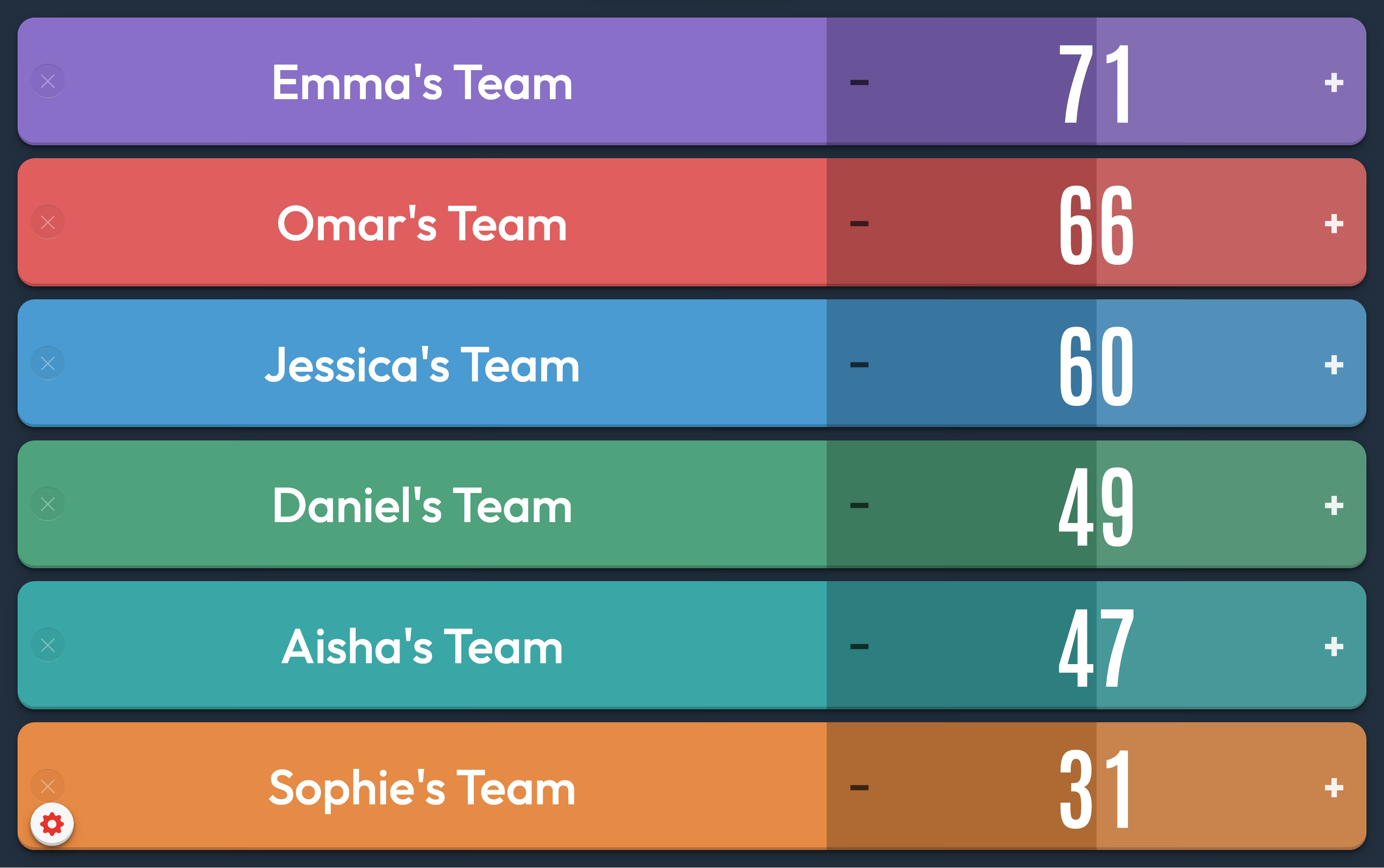
An easy way to track team points in a quiz or whole lesson competition. It is also easy to save a board for a quick start next time, with points carried over or reset to zero.
The scoreboard also has a ‘random’ option. One tap awards a random number of points, one at a time, slowly at first and then accelerating. The class watches the number climb with no idea when it will stop. It means a team can leapfrog the leaders from nowhere. It is completely unfair, which is why I like it!
2. Flip Timer
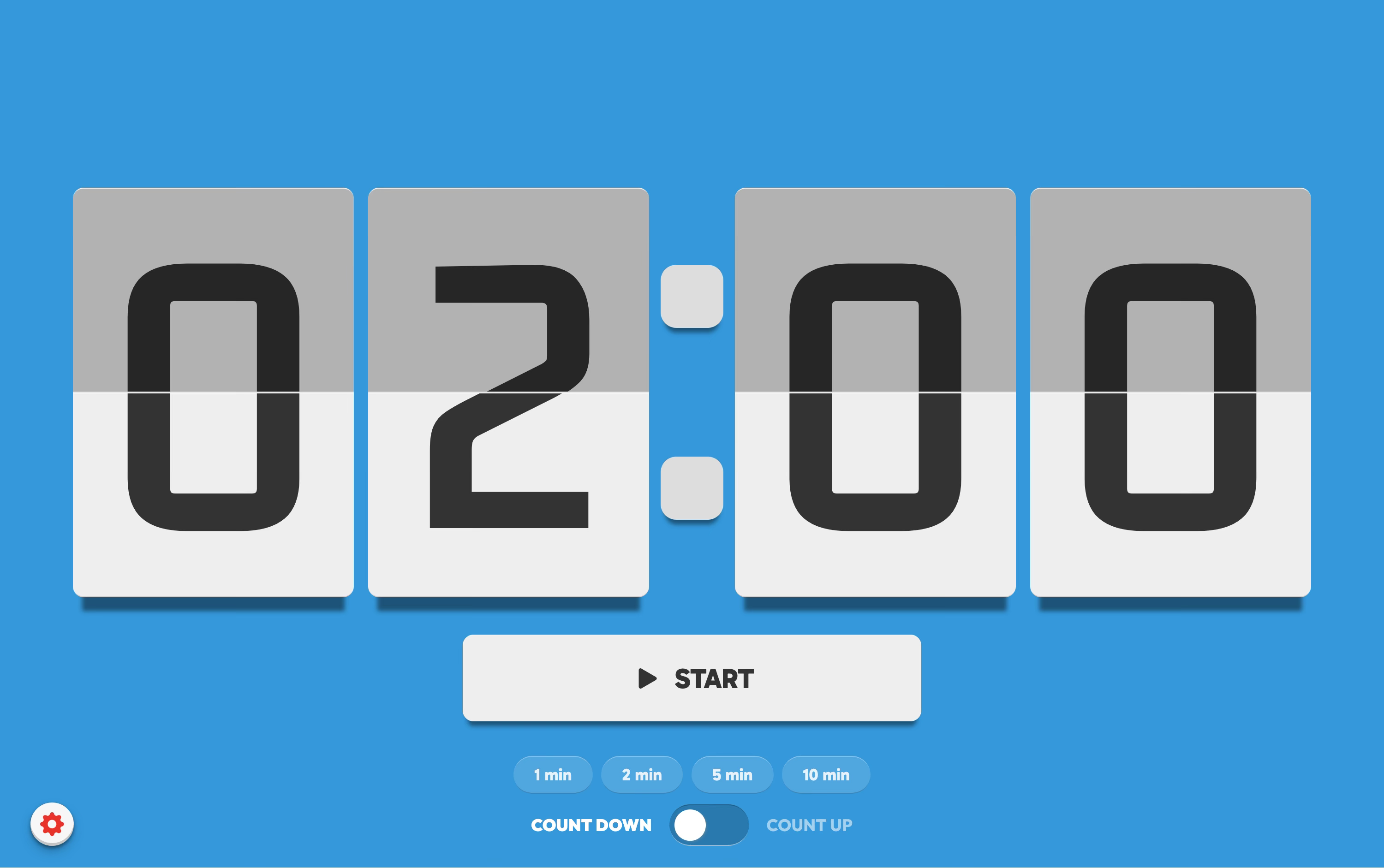
A ‘flipping’ clock that counts down or up. Tap high or low on the numbers to set a time or use the one-tap presets. Simple to use, versatile and there whenever you need it.
3. Number Challenge
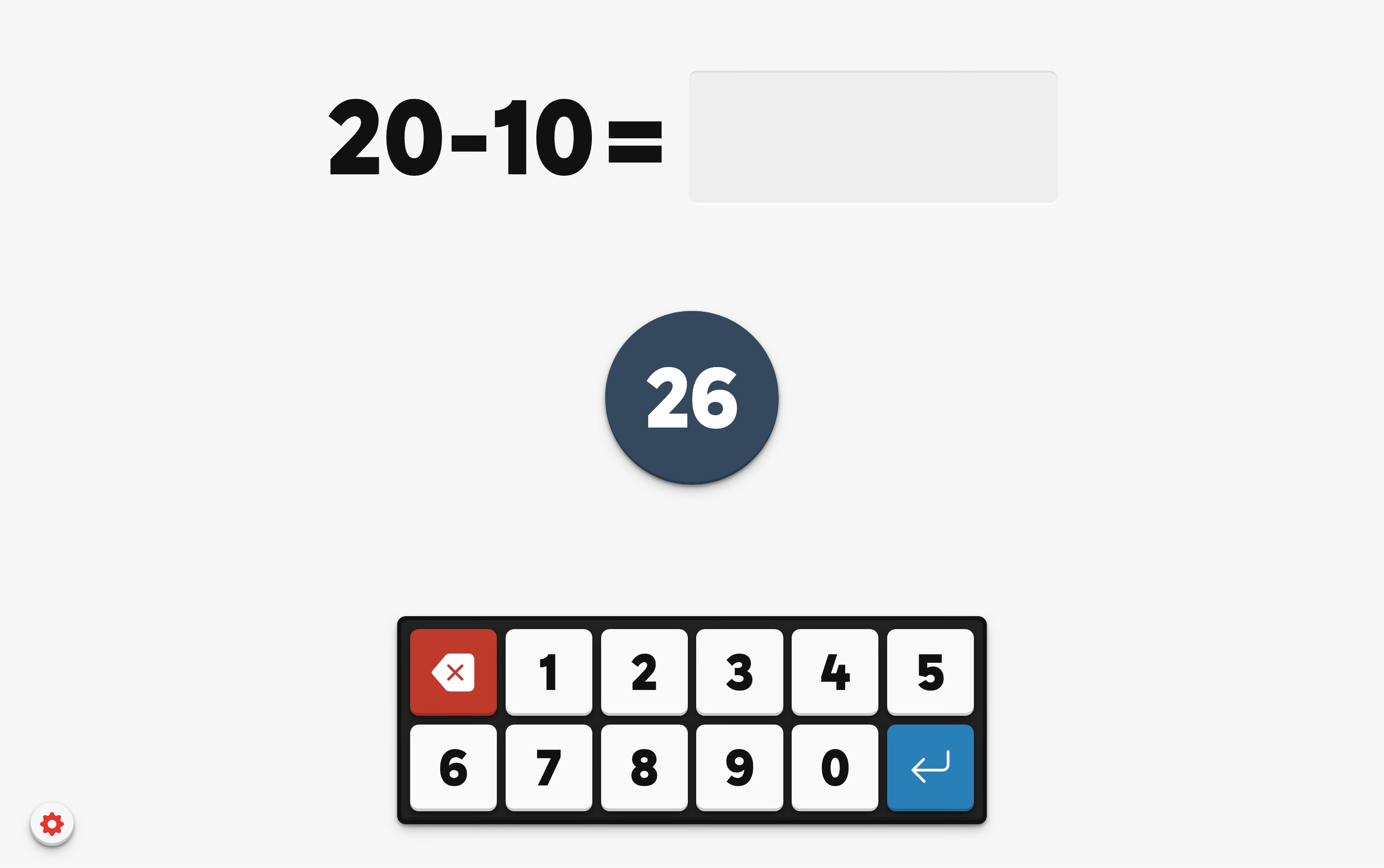
Mental arithmetic against the clock. Choose a number range and whether to include addition, subtraction and multiplication for an increased score multiplier.
4. Target Number
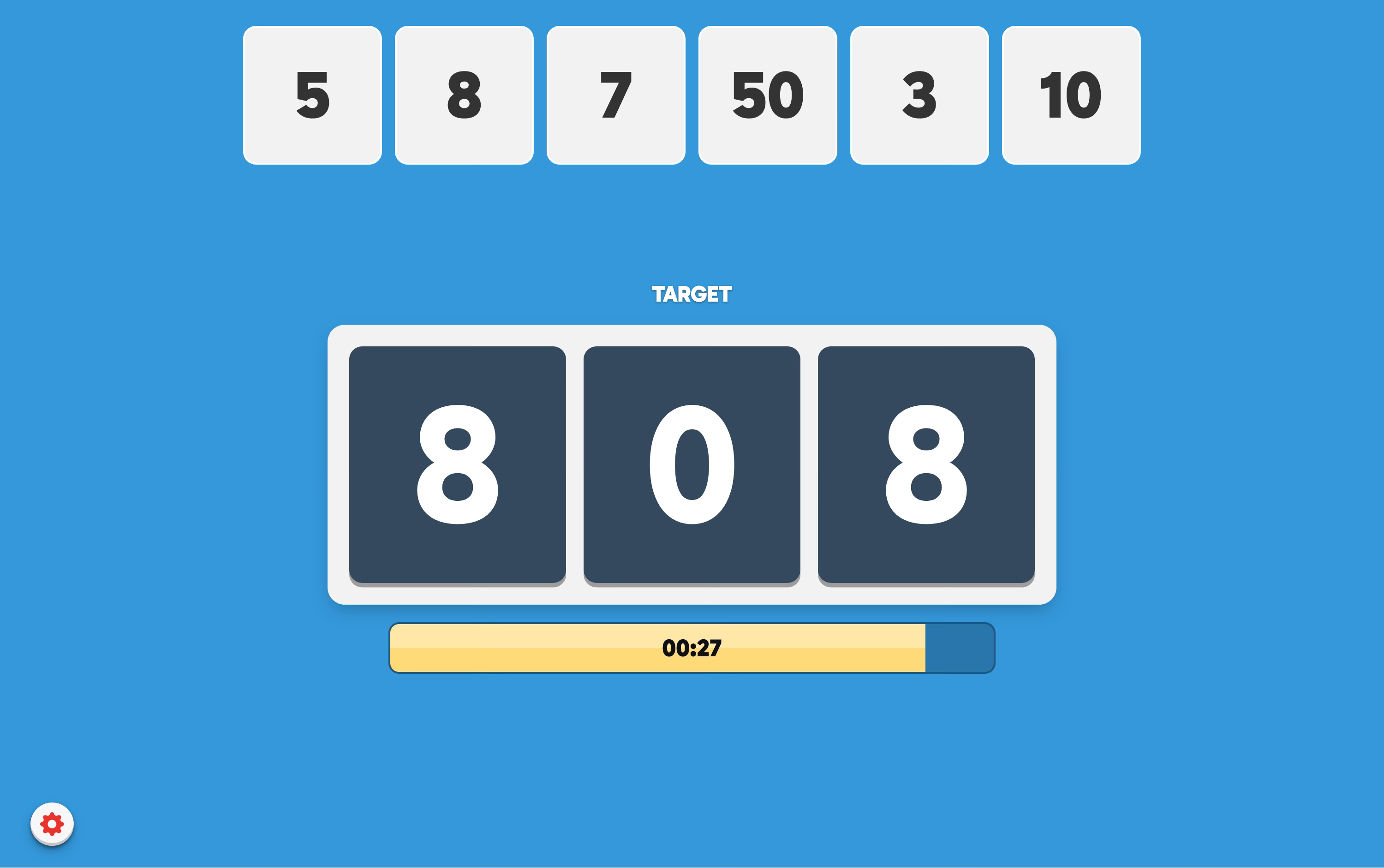
Six numbers and a target to reach. The activity also has the capability to work out a solution too… and some (optional) music during the countdown to add to the tension!
You’ll find all of these activities in the menu by clicking the ‘Bonus Activities’ button. They are a ‘thank you’ from me for supporting my work with Triptico.
Note: Number Challenge and Target Number also have a ‘Share with Students’ option that displays you a QR code and a short link. Display either on the screen and your students can compete independently, with no accounts and nothing to install.
Improved AI Assistant
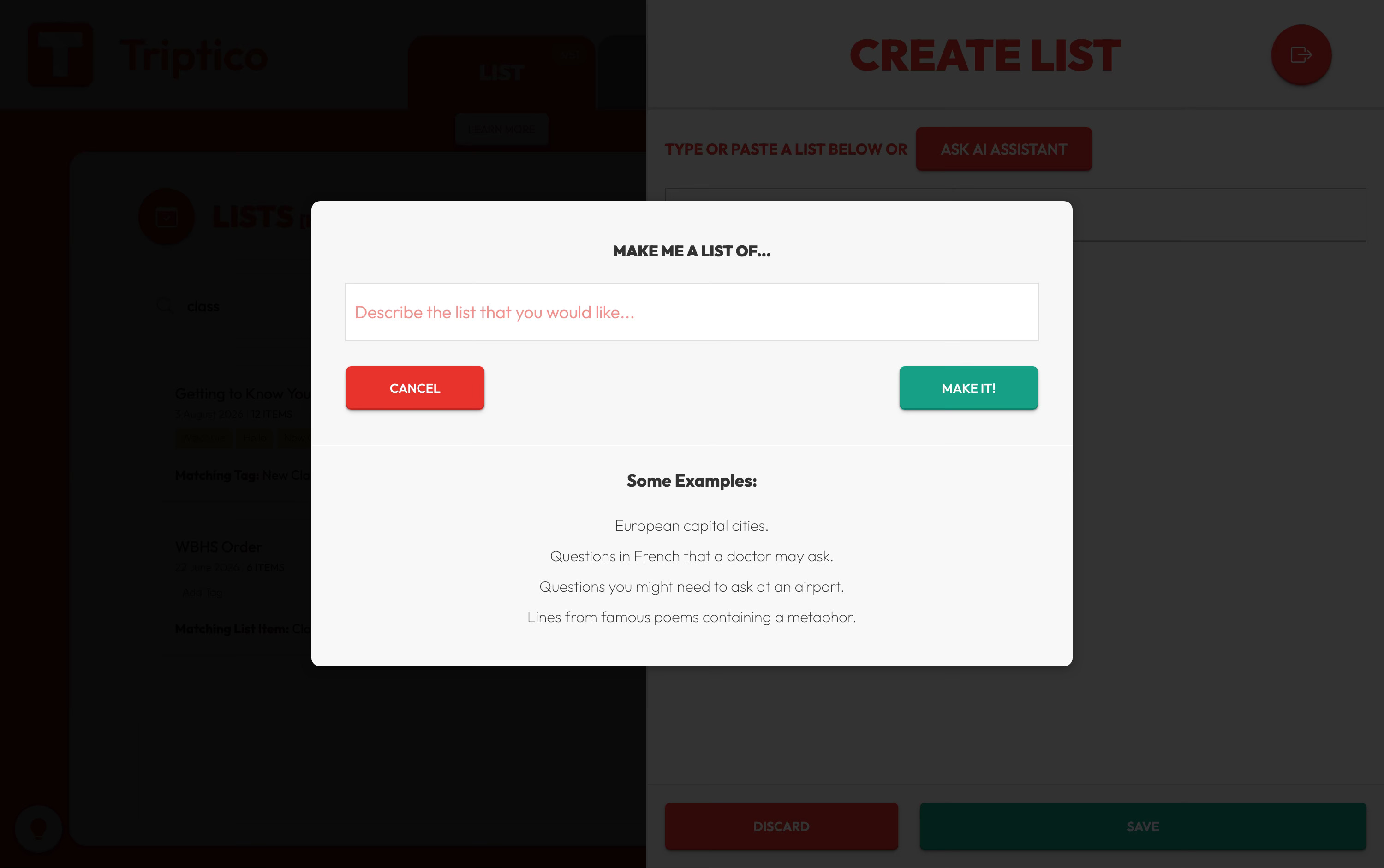
The AI Assistant has been improved to make creating classroom content quicker and simpler. You can now review and refine what it generates more easily, before saving it to open with many different Triptico activities.
You can also send me a little feedback (a quick ‘thumbs up’ or ‘thumbs down’) so I can see what is working well and what I need to work on.
Improved Lesson Builder
Lessons had a thorough rebuild in early August. The builder and the player now match exactly, so a slide looks the same in your class as it did while you were making it.
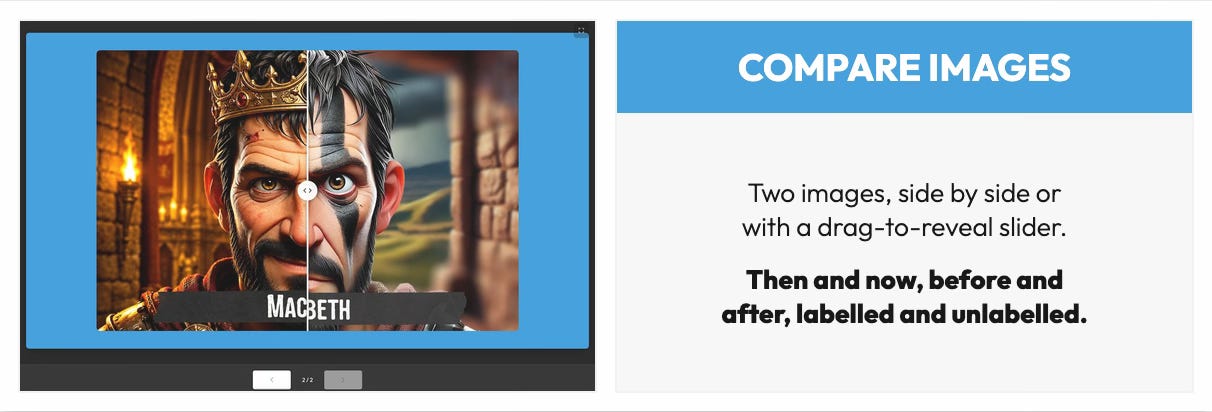
You will also find a new template with a slider to compare two images, bringing the total number of templates you can use to create and share lessons and presentations to fifteen.
Other Improvements
Text over images can now sit in the middle of the card or across the bottom. Each activity has a button to toggle the position of the text.
Save an edited file under a new name and the website now asks whether to rename the existing file or create a brand new file.
Text across all activities is bigger, sharper and clearer on classroom screens and devices.
Text-to-speech has been improved, especially when used by multiple students at the same time.
… and much, much more!
For School IT Teams
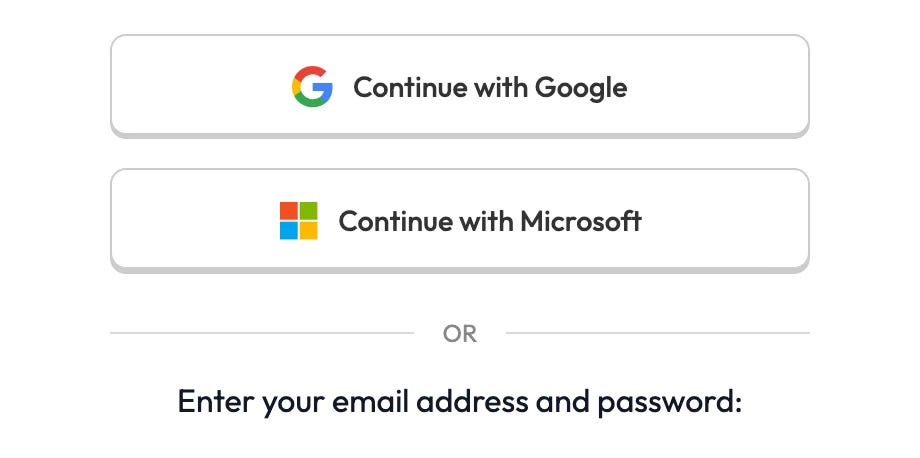
Triptico is now a Microsoft Verified Publisher, so signing in with a school Microsoft account is seamless.
This means that both Microsoft and Google single sign-on are supported by Triptico.
Thank You
As always, I’d love to hear what you think.
If you have any questions, feedback or ideas for Triptico, just reply to this post.
Finally, if you know a teacher who might find Triptico useful, please feel free to forward this email to them or point them towards the website.
Every recommendation really does help.
David